
Cable Management Ideas for a Clean Desk (That Actually Stay Tidy)
A messy tangle of cables is the fastest way to make a nice desk look chaotic. The good news: you do not need to drill holes or spend much to fix it. These are the simple, renter-friendly tools and steps that keep cables hidden for good.
This post contains affiliate links. If you buy through them, we may earn a small commission at no extra cost to you. Learn more.
Quick picks
At a glance
| Product | Best for | |
|---|---|---|
| Under-desk cable management tray | Hiding the power strip and chargers | Check price |
| Adhesive cable clips | Routing cables along the desk edge | Check price |
| Braided cable sleeve | Bundling the cables that run to the floor | Check price |
| Reusable velcro cable ties | Taming extra cable length | Check price |
| Cable management box | Power strips that have to sit on the floor | Check price |
| Magnetic cable holder | Keeping charging cables within reach | Check price |
| Cord cover raceway | Cables that run along the wall | Check price |
Gear that makes cable management easy
Under-desk cable management tray
Best for: Hiding the power strip and chargers
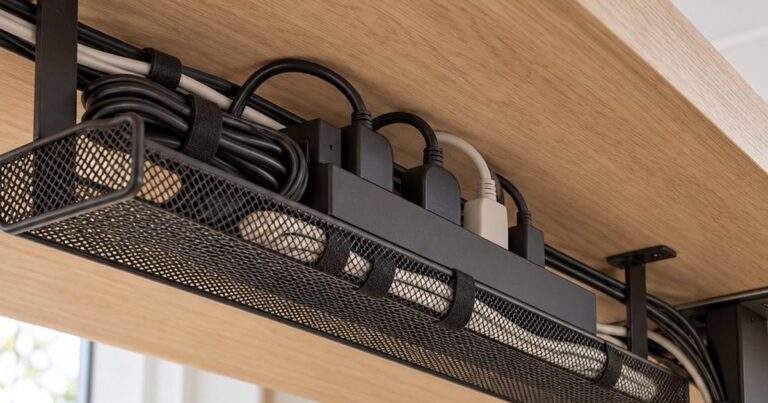
The single biggest upgrade. A tray mounted under the back edge of your desk holds the power strip and all the bricks, so nothing hangs down to the floor. Look for a clamp-on version if you rent or don’t want to drill.
- Gets the power strip off the floor
- Clamp-on versions need no tools
- Needs clearance under the desk
- Cheap trays can sag if overloaded
Adhesive cable clips
Best for: Routing cables along the desk edge
Small, cheap and surprisingly effective. Use them to guide your charging cables to one spot so they stop sliding off the back of the desk every time you unplug your phone.
- Very affordable
- Quick to install anywhere
- Adhesive can weaken on textured surfaces
Braided cable sleeve
Best for: Bundling the cables that run to the floor
Turns five loose cables into one neat line. A zip-up sleeve is easiest to add or remove cables from later.
- Hides several cables at once
- Zip versions are easy to change
- Bulky with very thick cables
Reusable velcro cable ties
Best for: Taming extra cable length
Coil up the slack instead of letting it pile on the floor. Velcro ties are kinder to cables than plastic zip ties and you can reuse them.
- Reusable and gentle on cables
- Inexpensive multipacks
- Not invisible on their own
Cable management box
Best for: Power strips that have to sit on the floor
If a tray is not an option, a lidded box hides the power strip and plug clutter while still letting you reach the switch.
- No installation at all
- Keeps dust off plugs
- Still takes floor space
Magnetic cable holder
Best for: Keeping charging cables within reach
Keeps the end of your phone, watch or earbuds cable on the desk surface, ready to grab, instead of disappearing behind the desk.
- Cables stay where you need them
- Tidy look on the desk surface
- Works best with thinner cables
Cord cover raceway
Best for: Cables that run along the wall
For the cable that has to go from the desk to a wall outlet. A paintable raceway makes it almost invisible.
- Nearly invisible once painted
- Protects cables from pets and feet
- Adhesive may mark some walls
Start with a 10-minute cable audit
Before buying anything, unplug everything and lay the cables out. You will usually find one or two you don’t need at all — an old charger, a duplicate USB cable, a speaker you never use. Fewer cables is the cheapest form of cable management.
The order that works
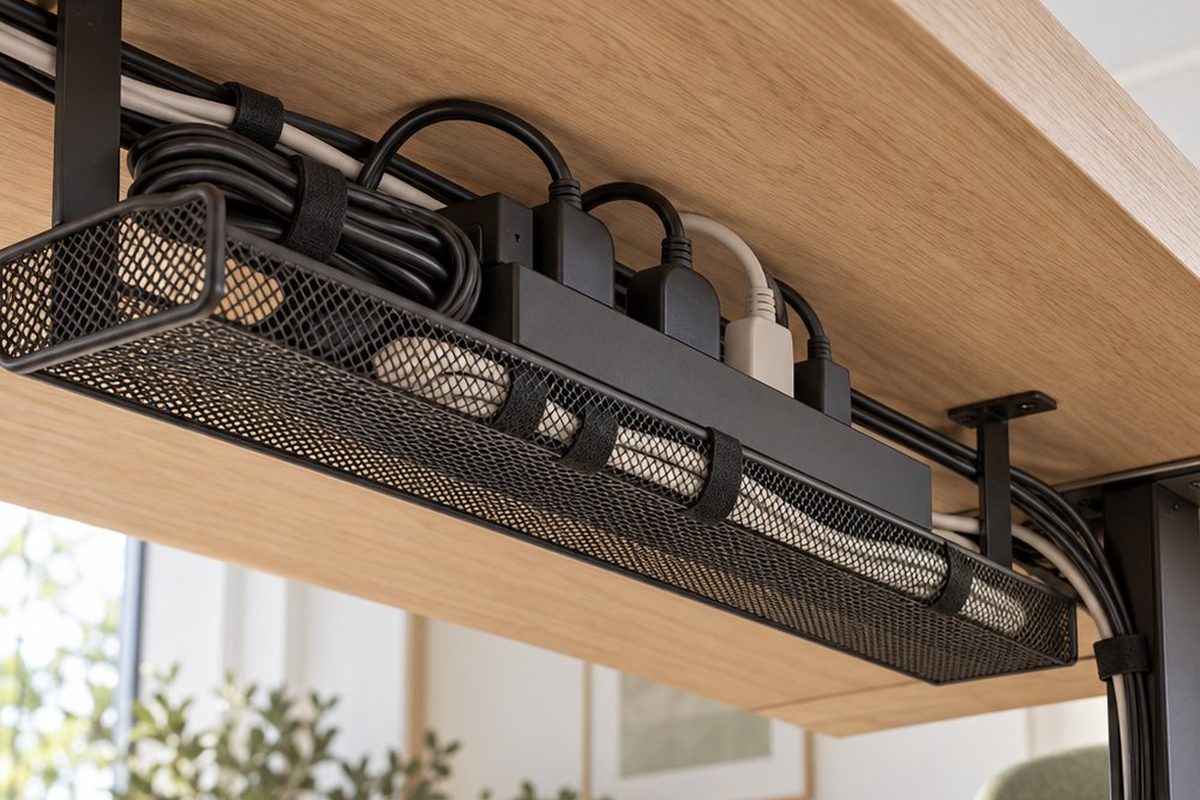
- Mount the power strip off the floor. Put it in an under-desk tray so only one cable goes down to the wall.
- Group cables by where they go. Monitor, laptop and lamp cables go to the tray; charging cables go to a clip or holder on the desk.
- Bundle the vertical run. Anything that must reach the floor goes into a single sleeve.
- Tie up the slack with velcro ties inside the tray, where nobody sees it.
Small details that make it last
- Leave a little slack at each device so you can move things without unplugging everything.
- Label both ends of similar-looking cables with a small piece of tape.
- If your desk is against a wall, a short raceway to the outlet hides the last visible cable.
FAQ
Do I need to drill into my desk?
No. Many trays clamp onto the desk edge, and clips and sleeves use adhesive or simply wrap around cables.
What about a standing desk?
Use a sleeve with enough length for the highest position, and keep the power strip mounted on the desk so it moves with it.